




They said they wouldn't do it. A touchscreen MacBook has been rumoured since the dawn of time (well, the noughties), but, in a quote that's been infinitely dredged up across the internet over the last couple of weeks, Steve Jobs himself decried the concept as "ergonomically terrible". But Jobs also famously asked, "Who wants a stylus?" And the answer among millions of Apple Pencil users seems to be a resounding, "Us!"
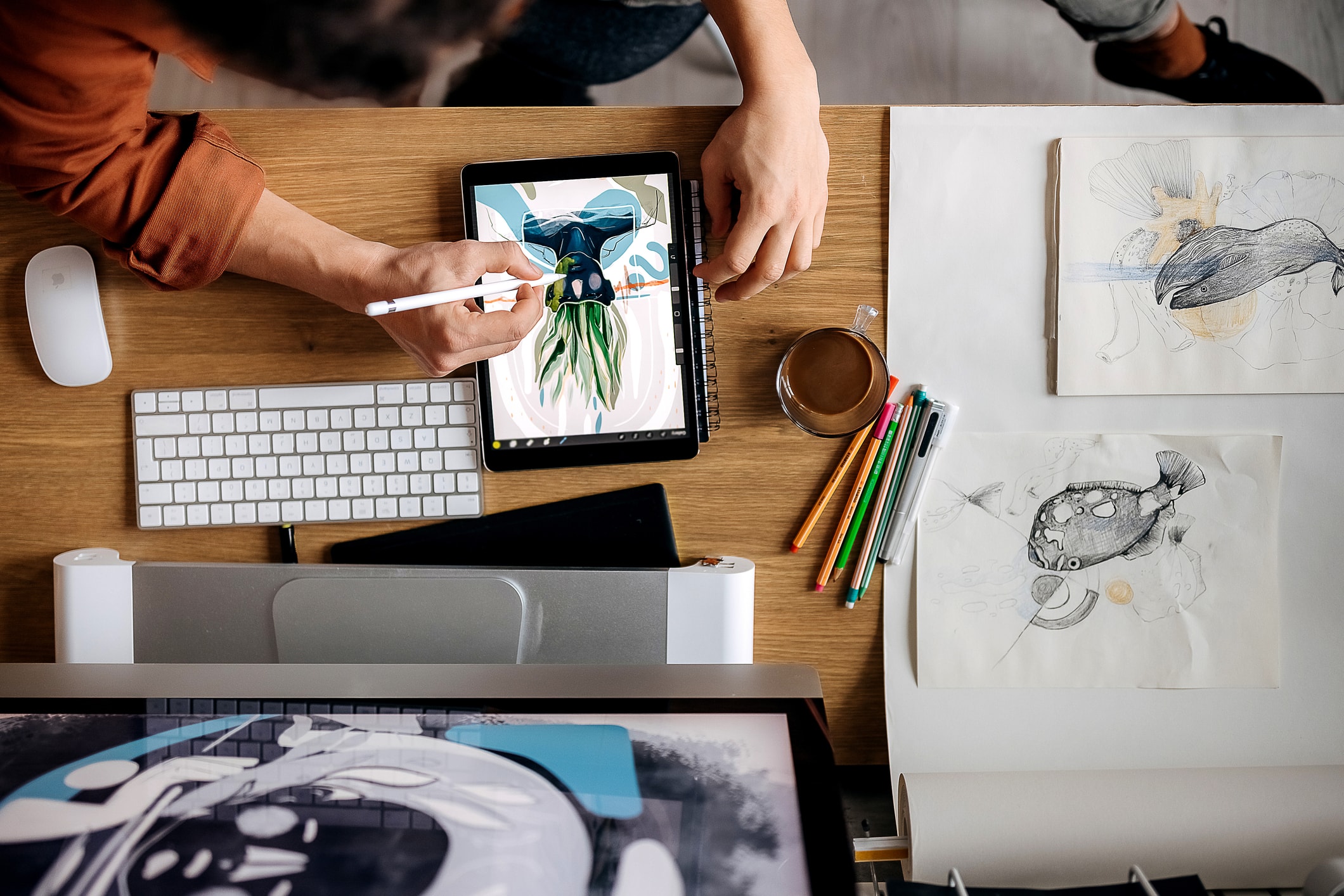
And after a few days with the MacBook Pro with PROLED XDR Display, I'm happy to report that this is very much a device—perhaps even the ultimate device—for creatives. But rather than the ability to touch the screen, it's all about the quality of that 'PROLED' display itself. Turns out there's a reason Apple decided to lead with that, and not touch, in the name of the device.
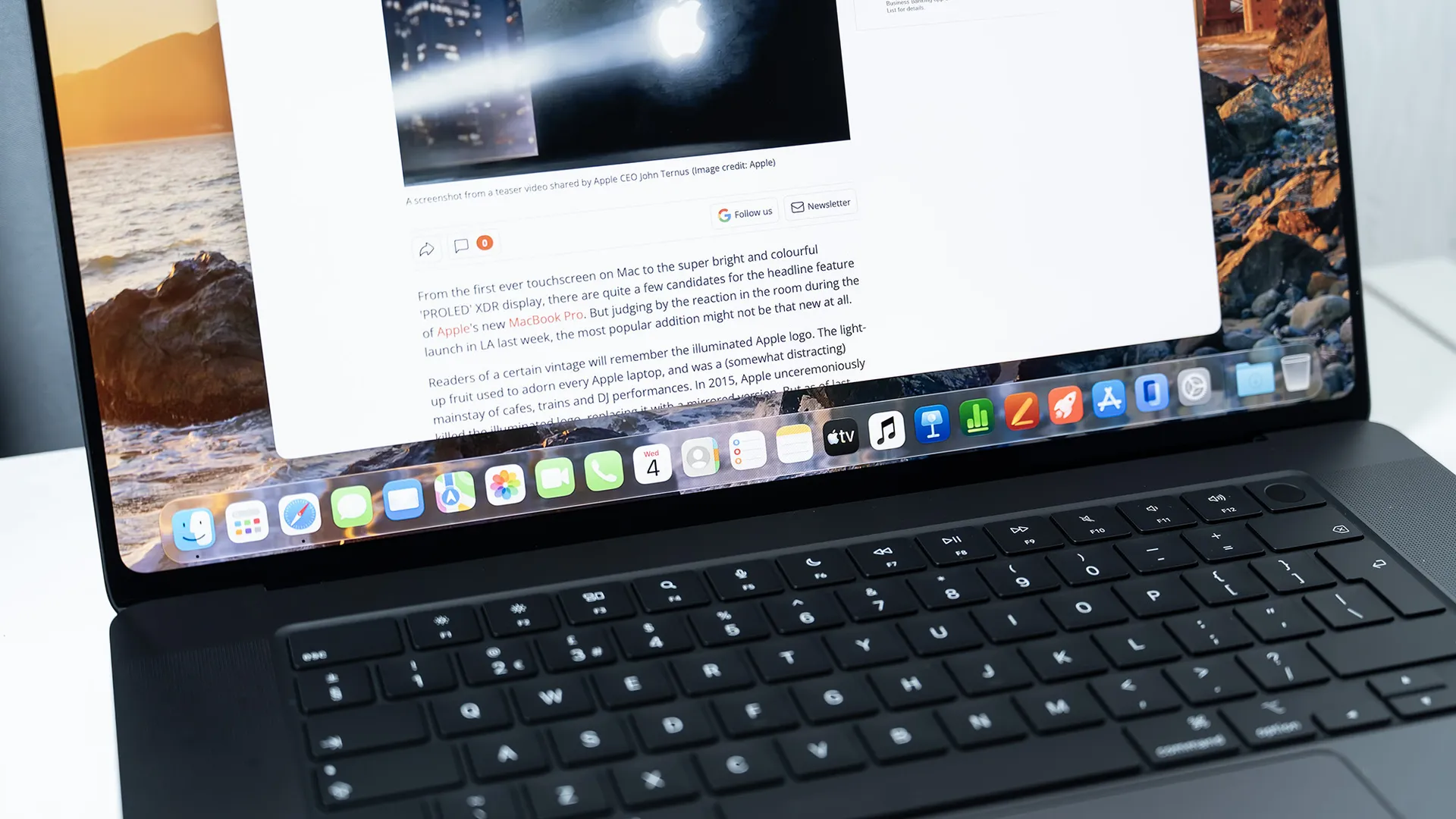
Simply put, it's the best laptop screen I've ever seen. With up to 2000 nits of peak brightness, 10,000,000:1 contrast, and P3 + Adobe RGB colour, this is a best-in-class display that puts every other OLED laptop screen I've used to shame. It gives creatives a portable reference-quality display, which means it recreates video, colour and contrast as faithfully as possible. Once you've used the MacBook Pro with PROLED XDR Display, everything else looks washed-out in comparison, and for that reason alone it's impossible not to recommend for creatives – so long as the small matter of the $2,899 starting price isn't a barrier.
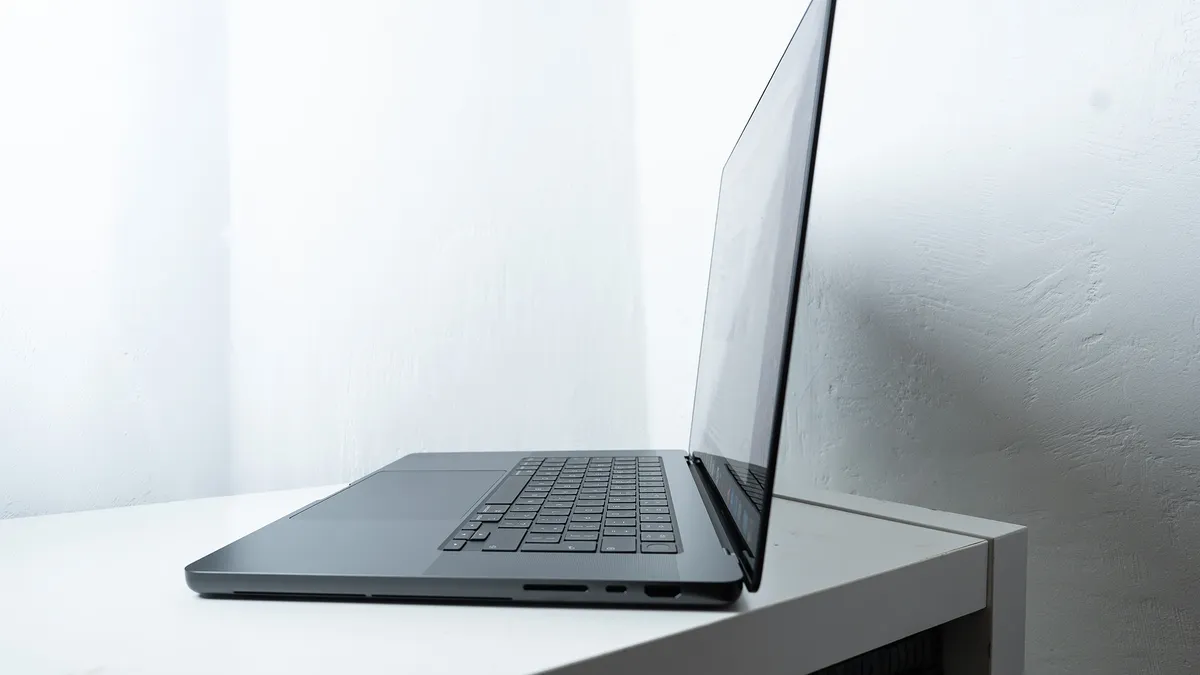
When it comes to touch, as I've written before, in my testing I've found it to be a nice-to-have rather than a need-to-have. Now that we're all touchscreen natives (which wasn't so much the case when Jobs made those comments in 2010), certain navigational actions just feel right, even on a laptop. Scrolling through windows, pinching to zoom in on a photo or map, scrubbing through the timeline in Final Cut Pro; there are plenty of times when touching the screen feels more intuitive than reaching for the trackpad. And Apple's subtle UI tweaks, such as having navigational icons expand when touched, make the whole thing feel more natural.
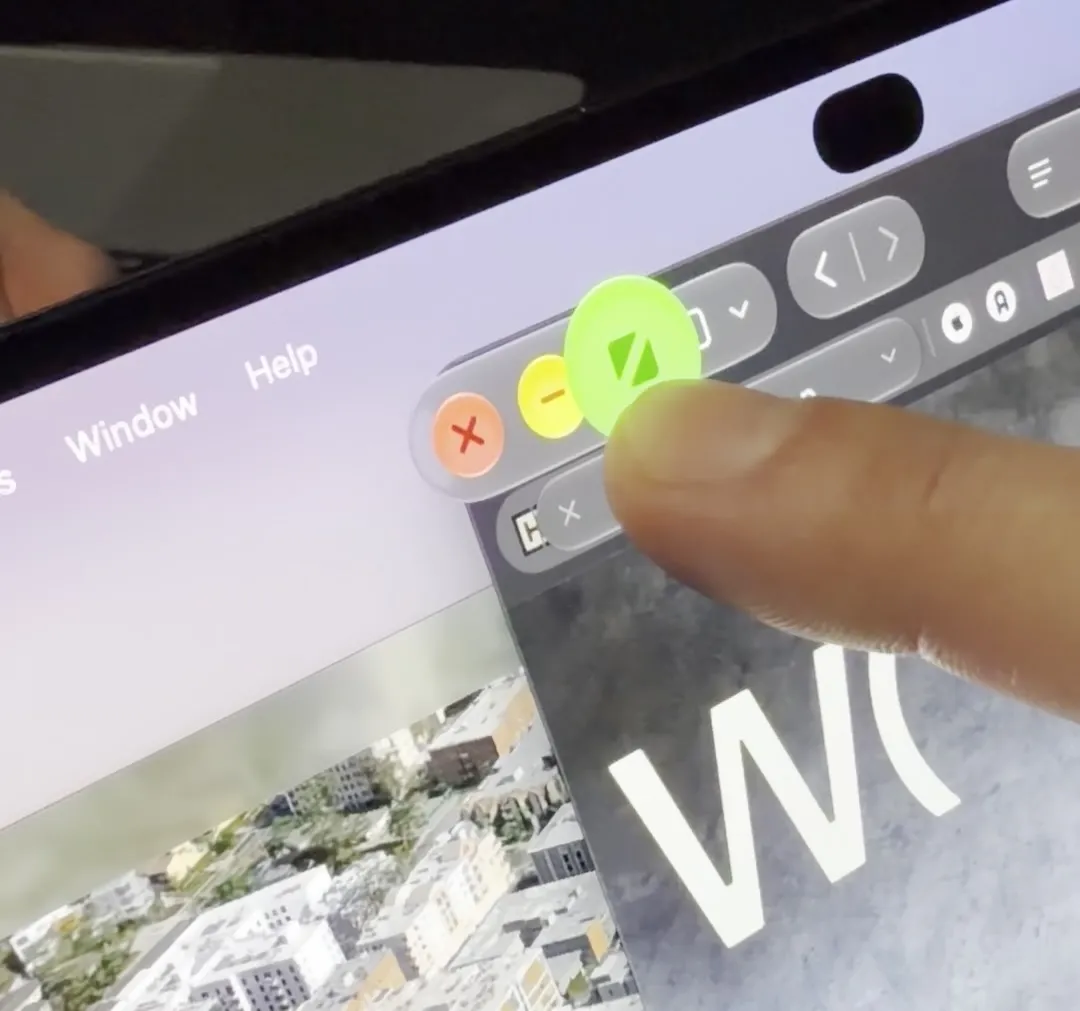
But equally, there were plenty of times when I preferred to use the trackpad – particularly when a certain level of accuracy was required. And despite Apple claiming to have produced a newly designed hinge with greater stability, it still wobbles. There's just no getting around the fact that a touchscreen on a vertical display is less ergonomic than it is on a flat one.
From a design perspective, the new MacBook Pro isn't a game-changer – unless you really missed the illuminating Apple logo (another noughties mainstay). There are improvements here and there; the Dynamic Island takes up less space than the notch, and slightly smaller bezels result in slightly larger viewing areas. But perhaps the most meaningful design change is the reduction in weight. That OLED panel has allowed for a 14% weight loss – making the 14-inch model, somewhat ironically, lighter than the 15-inch M5 MacBook Air.
But everything pales next to the screen. The PROLED XDR looks incredible. If you're looking for the most impressive visual fidelity available on a laptop, here it is. You can touch it if you like.
The MacBook Pro with PROLED XDR display is released tomorrow, with preorders available now. Prices start at $2899 for the 14-inch model, and $3399 for the 16-inch model.